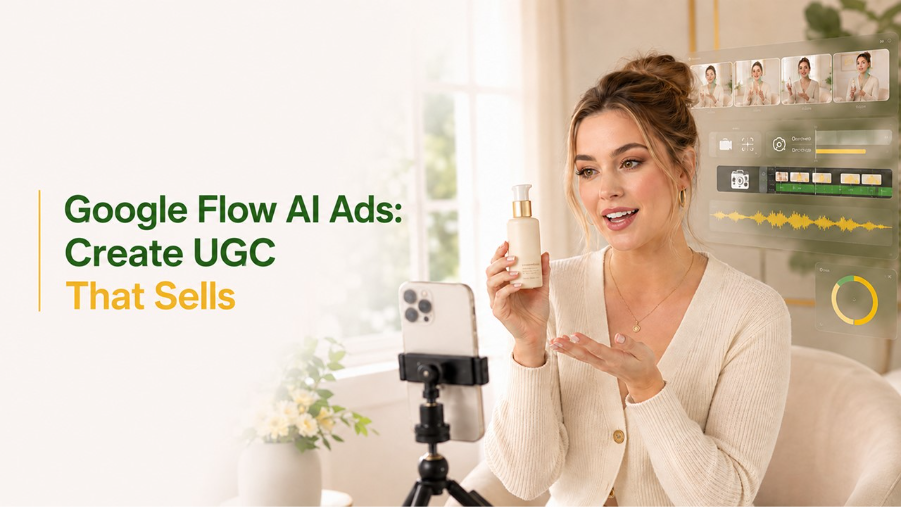
Artificial Intelligence is changing the way advertisements are created by brands silently. You don’t have to use high-end camera equipment, an actor that you hire, and a production team to create a believable UGC advertisement. Google Flow, with the help of ChatGPT and ElevenLabs, will allow you to create a believable AI influencer advertisement in a few minutes.
In this Guide, we are going to walk through the process of creating such a video advertisement from start to finish.
What Are AI UGC Ads?
AI UGC (User-Generated Content) ads are video ads created entirely with AI. They emulate the type of genuine reviews, testimonials, and demonstrations that people usually watch coming from real influencers, but in AI-created form rather than video footage.
That makes them a natural fit for:
- eCommerce brands
- Affiliate marketers
- Marketing agencies
- Dropship companies
- Social media advertisers
Because they look and feel natural, they often outperform traditional, obviously scripted ad formats.
Why Use Google Flow Agent?
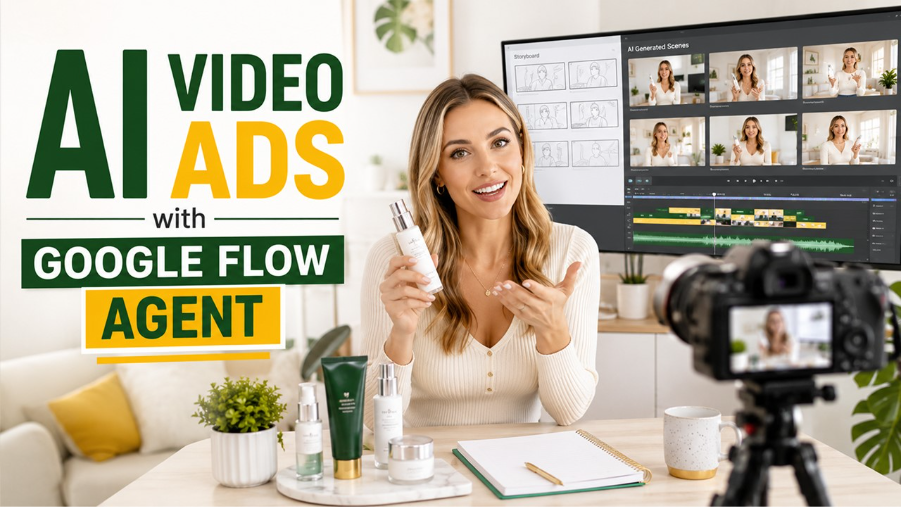
Google Flow Agent makes it easy to create an entire video using AI technology because it involves generating characters, writing stories, and creating videos all in one go
Instead of creating individual scenes, you must give the input only once and allow the AI to do the rest.
Benefits
- Consistent AI characters
- Automatic scene generation
- Natural camera movements
- Faster production
- Professional-quality output
- Beginner-friendly workflow
Step 1: Choose a Product to Promote
Every successful advertisement starts with the right product.
A great place to find winning products is Amazon Best Sellers because these products already have:
- High demand
- Thousands of reviews
- Proven market validation
For this tutorial, a skincare product is used, but the same workflow applies to gadgets, fitness products, beauty items, software, and many other niches.
Step 2: Generate a High-Converting AI Ad Script
The script is the foundation of every successful AI advertisement.
Open ChatGPT or Gemini and ask it to generate a short UGC advertising script.
A high-converting script should include:
- A powerful opening hook
- Customer pain points
- Product introduction
- Key benefits
- Emotional connection
- Strong call-to-action
Keep your script conversational and concise because shorter dialogue generally produces more natural AI-generated videos.
Step 3: Create an AI Character
Instead of copying an existing influencer, create your own unique AI creator.
A simple workflow is:
- Find an influencer whose style inspires you.
- Take a screenshot.
- Upload it to ChatGPT or Gemini.
- Ask the AI to describe the person’s appearance.
- Convert that description into a Google Flow prompt.
Paste the generated prompt into the Google Flow Agent.
Within seconds, you’ll have an original AI character with a similar style while avoiding direct duplication. If you want a full Google Flow avatar tutorial before moving further into this workflow
Step 4: Save Your Character for Consistency
Character consistency is one of the biggest factors that separates professional AI videos from amateur ones.
Inside Google Flow Agent:
- Save the generated character
- Assign a realistic AI voice
- Add a personality description
- Reuse the same character throughout the project
This ensures every generated scene maintains the same appearance, voice, and overall identity.
Step 5: Generate Character Reference Images
To improve consistency even further, generate multiple images of your AI character.
Recommended angles include:
- Front view
- Close-up portrait
- Side profile
- Medium shot
- Different facial expressions
These references help the AI understand exactly how your character should appear in every scene. If you want more control over this step, a dedicated AI image generator can help produce cleaner, more varied reference shots.
Step 6: Create a Character Reference Sheet
Combine all generated character images into a single reference sheet.
Think of this as an identity card for your AI influencer.
This allows Google Flow Agent to maintain facial consistency, hairstyles, clothing, and overall appearance across multiple video clips.
Step 7: Generate a Realistic Background
Your AI creator needs a natural environment.
Popular options include:
- Bedroom
- Home office
- Beauty studio
- Living room
- Workspace
Using one consistent background throughout the advertisement creates a more authentic viewing experience.
Step 8: Build a Storyboard with AI
Instead of prompting every scene individually, ask ChatGPT to convert your script into a structured storyboard.
Your storyboard should include:
- A-Roll scenes
- B-Roll scenes
- Camera angles
- Visual actions
- Voiceover timing
- Scene duration
A well-designed storyboard acts as the blueprint for your final advertisement. For a more guided approach to this exact step, there’s a full breakdown of the Google Flow Storyboard Studio worth referencing.
Step 9: Generate the AI Advertisement
Now it’s time to let Google Flow Agent do the heavy lifting.
Upload:
- Product information
- AI character
- Character reference sheet
- Background image
- Advertising script
- Storyboard
Google Flow Agent automatically analyzes all assets and generates multiple AI video clips.
If one scene doesn’t look perfect, simply regenerate that specific clip instead of starting over.
This saves both time and AI generation credits.
Step 10: Improve the Voice Using ElevenLabs
Although Google Flow Agent provides built-in voices, replacing them with ElevenLabs can significantly improve realism.
The workflow is simple:
- Export the video’s audio.
- Upload it into ElevenLabs.
- Select a realistic voice.
- Replace the original audio.
The result is a much more emotional, expressive, and human-sounding advertisement.
Step 11: Edit the Final Video
Import all generated clips into your preferred video editor.
Add:
- Background music
- Captions
- Smooth transitions
- Brand logo
- Call-to-action screen
Within minutes, you’ll have a professional AI advertisement ready for:
- YouTube
- Instagram Reels
- TikTok
- Facebook Ads
- Shopify product pages
Best Practices for AI UGC Ads
To maximize engagement:
- Keep videos under 30 seconds of paid ads.
- Use a strong hook within the first three seconds.
- Show the product early.
- Alternate between A-roll and B-roll.
- Focus on customer benefits instead of features.
- Use realistic AI voices.
- Maintain consistent branding throughout the video.
How to Make AI UGC Ads Trustworthy and Transparent
Creating a realistic AI-generated advertisement is only half the job. Viewers also need a reason to trust what they see. If an AI character looks like a real customer sharing a personal experience, the content should not mislead people into believing that the person actually purchased or tested the product.
Here are a few ways to make your AI UGC ads more transparent and credible:
- Be clear about AI-generated content: Disclose when an AI-generated character, voice, or scene could otherwise be mistaken for a real person or genuine customer testimonial.
- Avoid fabricated customer experiences: Do not present fictional product experiences, reviews, or personal results as real customer feedback.
- Use accurate product information: Make sure every feature, benefit, price, and performance claim in the script can be supported.
- Respect image and voice rights: Use original AI characters or properly authorized references. Avoid copying a real creator’s identity, voice, or likeness without permission.
- Keep the brand message consistent: The product shown in the video should match the actual product being promoted, including its appearance and key features.
Brands working with an AI Influencer should pay particular attention to these points. A consistent virtual personality can help establish a recognizable brand identity, but transparency is essential for maintaining audience confidence.
Before publishing, review the finished advertisement as if you were seeing it for the first time. Ask yourself whether viewers could misunderstand who is speaking, what the product can do, or whether the experience being described is genuine.
Tools Used in This Workflow :
- Google Flow Agent
- ChatGPT
- Gemini
- ElevenLabs
- Final Cut Pro (or any video editor)
How to Test and Optimize AI UGC Ads Before Scaling
Your first AI-generated advertisement does not have to be your final version. Even a well-produced video may need adjustments before it connects with the right audience. Testing different creative elements helps you understand what attracts attention and encourages viewers to take action.
Use the following approach to improve your results:
Test Different Opening Hooks
Create two or three versions of the first few seconds. One might start with a common customer problem, while another introduces the product immediately. Compare which opening keeps viewers watching.
Experiment with Different Ad Formats
Try different approaches, such as a product demonstration, a problem-and-solution story, or a short product review-style presentation. Keep the central message consistent so you can compare the creative formats more fairly.
Monitor Important Performance Metrics
Look beyond the number of views. Depending on your advertising platform and campaign objective, monitor:
- Hook or hold rate: How effectively the opening captures attention.
- Watch time: How long viewers continue watching.
- Click-through rate (CTR): How often viewers click after seeing the advertisement.
- Conversion rate: How many viewers complete the desired action.
- Cost per acquisition (CPA): How much you spend to gain a customer or lead.
Make One Improvement at a Time
If viewers leave early, experiment with the opening. If they watch the video but do not click, review the product message and call to action. Changing several elements at once makes it harder to understand what actually improved performance.
Organize Your Campaign Workflow
As you produce more variations, keep your scripts, creative assets, testing results, and campaign notes organized. AI automation platforms such as Relevance AI can be explored for supporting broader research and repetitive workflow tasks, helping teams manage their processes more efficiently.
The main goal is not to generate the largest number of videos. It is to identify which creative approach connects with your audience, learn from the results, and improve each new version before increasing your advertising budget.
Conclusion
AI content creation is truly revolutionizing the process of digital marketing.
With the use of Google Flow, making an AI UGC commercial has never been easier, cheaper, or faster.
Using a combination of AI script generation, character consistency, realistic voice-overs, and automated storyboarding allow for making top-notch product ads without needing a camera, actor, or production budget. It doesn’t matter if you are making affiliate marketing campaigns, selling in your eCommerce store, working at an agency, or simply trying out some content creation- this process will help you make your first AI commercial really fast.
For those who are new to AI marketing, becoming familiar with Google Flow is one of the most valuable skills you could learn this year. Just open it, follow this workflow, and start creating your first AI commercial right away.
Frequently Asked Questions :
Can I create AI UGC ads with Google Flow without hiring an influencer?
Yes. You can use Google Flow to create advertisements featuring AI-generated characters instead of hiring an on-camera influencer. You will still need to prepare the product information, script, character references, and other creative assets to produce a convincing advertisement.
How do I keep an AI character consistent across multiple video scenes?
Create a detailed character description and generate several reference images showing different angles and expressions. Use these references throughout the video-generation process. Keeping the character’s hairstyle, clothing, facial features, voice, and personality consistent can help make the final advertisement look more cohesive.
Can AI UGC ads be used for Instagram Reels, TikTok, and YouTube?
Yes. AI-generated UGC-style advertisements can be adapted for platforms such as Instagram Reels, TikTok, and YouTube. However, you should adjust the video dimensions, duration, captions, opening hook, and call to action to suit each platform’s audience and advertising requirements.
Do I need to disclose that my UGC advertisement is AI-generated?
Disclosure may be necessary depending on the content, platform rules, advertising regulations, and whether viewers could mistake an AI-generated person or testimonial for a real customer. Avoid presenting fictional experiences as genuine reviews, and follow the applicable disclosure requirements before publishing.
How can I improve the performance of an AI-generated UGC advertisement?
Start by testing different opening hooks, scripts, video formats, and calls to action. Monitor metrics such as watch time, click-through rate, and conversions to identify what works best. Use those results to improve the next version rather than relying only on how realistic the AI-generated video looks.