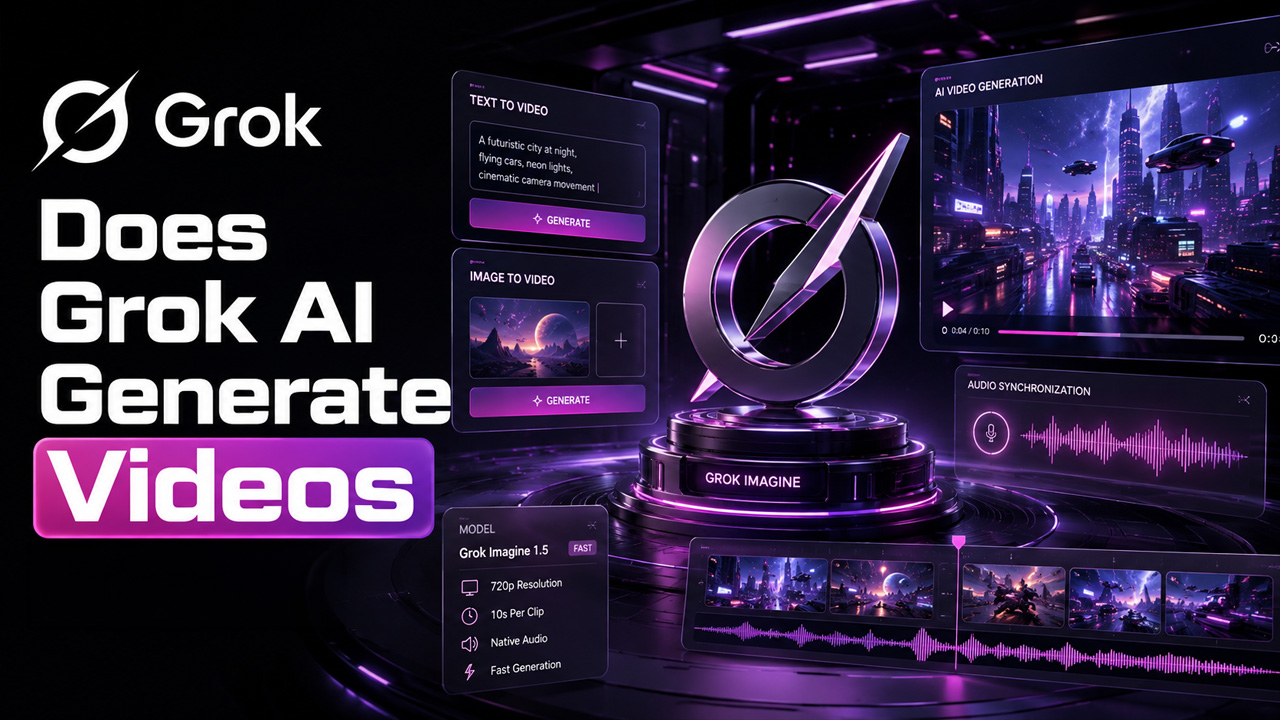
Tools for generating AI videos have gone beyond being a trendy tool to an operational necessity. The chatbot is sitting right in the middle of this shift. The one-word answer to the question “Does Grok AI generate videos 2026?” Is “Yes.” Grok now generates audio-synchronized and short clips from still images and text prompts directly. This blog is dedicated to explaining how this feature really works, what it can do, and what it cannot do, and where it aligns into a modern content workflow.
What Is Grok AI Video Generation?
Grok AI video generation is basically Grok Imagine, which is the dedicated video creation engine of xAI in-built into the Grok chatbot and the standalone Grok application. It is a different feature from regular Grok interactions, specially-built for converting a written description or an uploaded image into a short and animated clip.
Main points you need to know:
- Grok Imagine began as an AI image generator before video capability was added.
- It operates on Aurora, which is the proprietary model of xAI for sequential and quick generation of content.
- The tool provides support to both image-to-video and text-to-video workflows.
- Clips are created with in-built sync audio, instead of being added afterward.
In plain language, Grok Imagine enables you to describe a scene. And, within a few moments, it gives you back a short video clip instead of a static image.
Does Grok AI Generate Videos in 2026? Here’s What Changed
Yes. It is true that that Grok AI generates videos in 2026. What’s more is the fact that the feature has also significantly matured compared to its earlier version. Grok Imagine 1.0 shipped in February 2026, increasing the clip length to approximately 10 seconds at around 720p resolution, along with notable improvements in the quality of videos. An API for developers was released shortly before that. This opened the video model beyond the Grok application itself.
Some months later, xAI introduced a capability “Extend from Frame,” which enables creators to connect numerous generations together by leveraging the final frame of one clip as the beginning point of the next. This successfully extends usable output length to around 15 to 30 seconds for sequences despite the fact that each individual generated sequence is short. If you are developing similar AI-powered media workflows yourself, tools such as the AI Video generator on AISuites showcase how different models, including xAI Grok, can be accessed from a single workspace instead of transitioning between platforms.
By the mid of 2026, xAI unveiled another update, Grok Imagine Video 1.5, emphasized quicker renders and more effective motion physics. A “Fast” variant of this model can easily create a 6-second 720p clip in approximately 25 seconds, minimizing generation time by almost half as compared to earlier versions.
Main Characteristics of Grok Video Creation
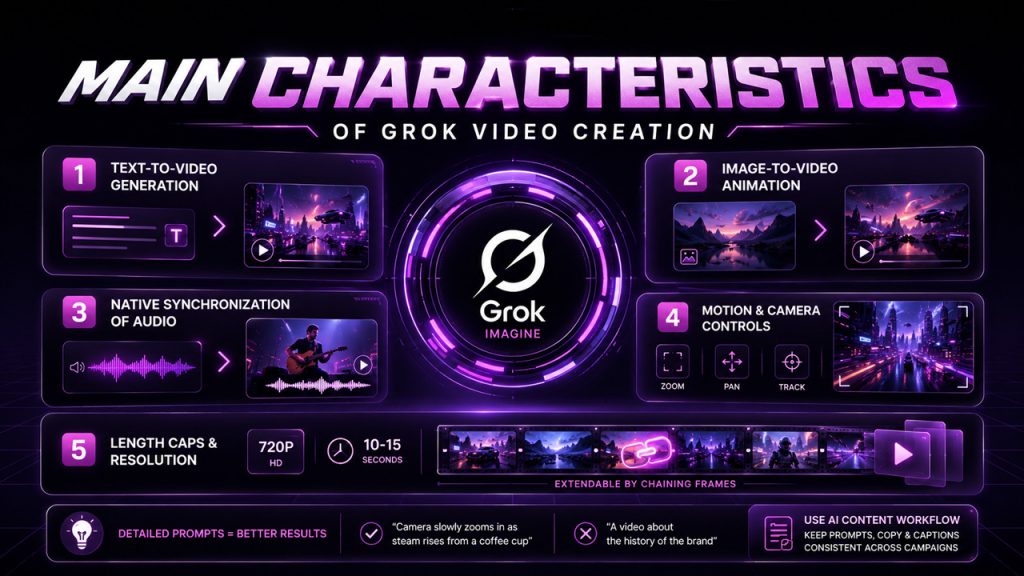
The video tools of Grok are created for social-style output and speed instead of long-form creation. The main features are as follows:
- Text-to-Video Generation — Enter the description of a scene and Grok Imagine returns a short clip created around it.
- Image-to-video Animation — Upload a still illustration or photo, and the model can successfully animate it while preserving the original subject and composition.
- Native Synchronization of Audio — Effects, ambient sound, and short dialogue are created in the same pass as the visuals, not separately layered.
- Motion and Camera Controls — Zooms, pans, and tracking-style movement effects include a more cinematic feel with short clips.
- Length Caps and Resolution — Output is limited to 720p, with single clips often running up to 10-15 seconds, extendable through chaining of frames.
Since clips are created in one pass, prompts prove to be effective when they describe a single moment of motion instead of the complete story arc. A detailed prompt such as “camera slowly zooms in as stream rises from a coffee cup” creates far more predictable outcomes instead of a broad concept such as “a video about the history of the brand.” For creators creating such prompts along with written content, a AI content workflow can aid in keeping the video prompts, copy, and captions consistent across a campaign.
Access, Pricing, and Practical Limits
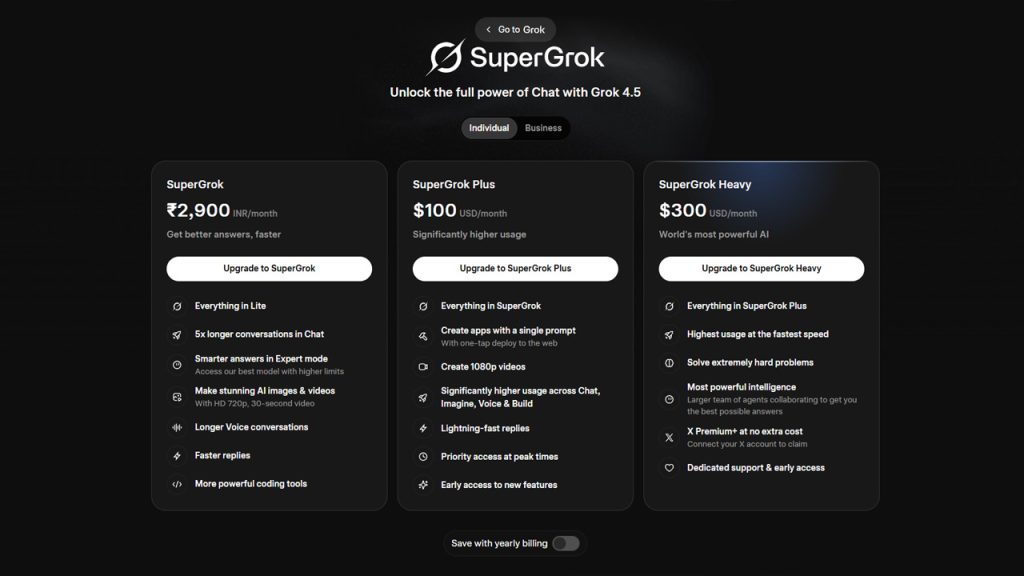
The video generation of Grok is not available on the free plan. Since March 2026, video and image creation have needed a premium subscription — either SuperGrok Lite at a lesser monthly cost or a complete SuperGrok plan for quicker access and higher usage limitations. You can check out this feature at grok.com/image, inside the Grok mobile applications, and through Imagine API for developers developing it into their own products.
It is worth having total clarity about where the tool aligns where it does not:
- Ideal option for product teasers, short social clips, animated stills, and fast concept videos.
- Not ideal for storytelling involving multiple scenes, accurate frame-by-frame editing, or branded video production at full scale.
- The resolution in the output is presently capped at 720p, with no native path to 1080p through simple generation.
- Automated review of content can block or pause generations that appear to violate guardrails, which often impacts the quality and speed of output.
For teams that require both quick social clips and more organized content pipelines, combining the fast output of Grok with a wider AI chat assistant for planning and scripting can reduce the gap without including additional tools to the stack.
Conclusion
So, does Grok AI generate videos 2026? The answer is yes via its dedicated model Grok Imagine, xAI has developed a genuinely valuable short-form video tool that converts text prompts or still images into audio-synchronized clips in just a few seconds. It is greatly capable, quick, and closely integrated into the Grok environment, making it a strong option for social content, quick testing of concepts, and animated visuals.
However, it cannot be considered a replacement for complete video production workflows that require accurate editing, longer runtimes, or multi-scene storytelling. For creators who need Grok AI video generation along with other AI platforms in one place, platforms such as AISuites centralize video, image, chat, and content creation together under a single workspace.
Frequently Asked Questions :
Q1. Does Grok AI create videos in 2026?
Yes. Grok Imagine, which is the dedicated video engine of xAI, transforms still images or text prompts into short or audio-synchronized clips.
Q2. What is the overall length and resolution of Grok-generated videos?
Single clips often run close to 10-15 seconds at 720p. However, the feature “Extend from Frame” can link generations into 15-30 second sequences.
Q3. Is video generation of Grok available for free?
No. Since March 2026, image and video generation need a premium subscription and need to either go for full SuperGrok plan or SuperGrok Lite.
Q4. Can Grok Imagine manage long-form or multi-scene video creation?
Not effectively. It is created for short and single-moment clips such as social content and teasers, not precise frame-by-frame editing or full-scale production of branded videos.
Q5. How can video output of Grok be combined with other AI platforms in a workflow?
Solutions such as AISuites allow creators to access Grok along with image, video, and content-generation models into a single workspace. This keeps the campaign assets and prompts consistent.