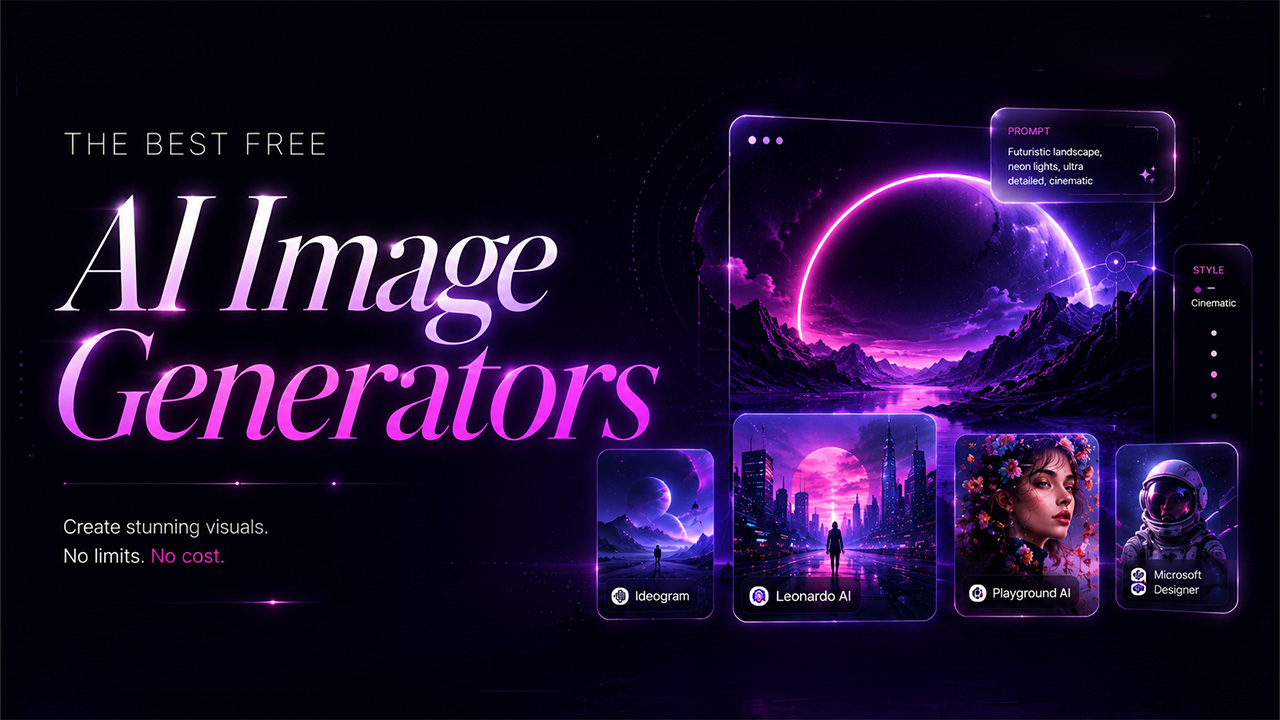
A few year ago, if you wanted professional-quality visuals, you needed a graphic designer, pricey software, and hours of manual work. Now, in 2026, that’s completely changed. The best free AI image generators create everything from photorealistic portraits to detailed concept art—just from a short description, in seconds.
Content creators, marketers, developers, business owners, or anyone—can finally get compelling images without exploding their budget or compromising quality. Gone are the days when free means low quality. Today, a handful of these platforms deliver impressive results on their free plan suitable for real projects, not just experimentation.
This guide breaks down what AI image generation is, how these tools actually work, and which free options truly fit your needs and goals.
What Is AI Image Generation?
Before diving into the tools, it’s worth knowing what’s powering them. If you’re brand new to this world, think of artificial intelligence as a broad technology that makes image generation possible.
AI image generation uses machine learning models to create visual content that has been trained on massive datasets of images and text. You give the system a text description—sometimes called “text-to-image” prompt—and it turns your words into a corresponding image. The output might be anything from abstract digital art to photorealistic scenes, and pretty much everything in between.
Most of today’s best free AI image generators are built around diffusion models or transformer-based designs. Over the last couple years, these models have improved significantly, delivering detailed images, better text interpretation, and more reliable results than past generations.
A few basic terms help if you’re just getting started:
- Text-to-image: Produce an image from a written text description or prompt.
- Image-to-image: Edit or restyle an existing image using AI as a reference.
- Negative prompts: Prompts that tell the AI what not to include in the final image.
- Model fine-tuning: Custom-trained models optimized for specific styles, subjects, or industries.
- Diffusion models: The main technology behind most modern AI image generators—they turn random noise into your requested image based on your prompt, step by step.
Getting comfortable with these basics makes it much easier to write good prompts and get far stronger results you want from any generator you choose.
Best Free AI Image Generators 2026: Top Tools Compared
AI image generators have come a long way, and in 2026, the best free tools offer something a little different—whether you care about speed, output quality, style options, how user-friendly it is. Here’s an accurate, up-to-date list of the top free options available right now, and where each one shines.
Microsoft Designer (Bing Image Creator)
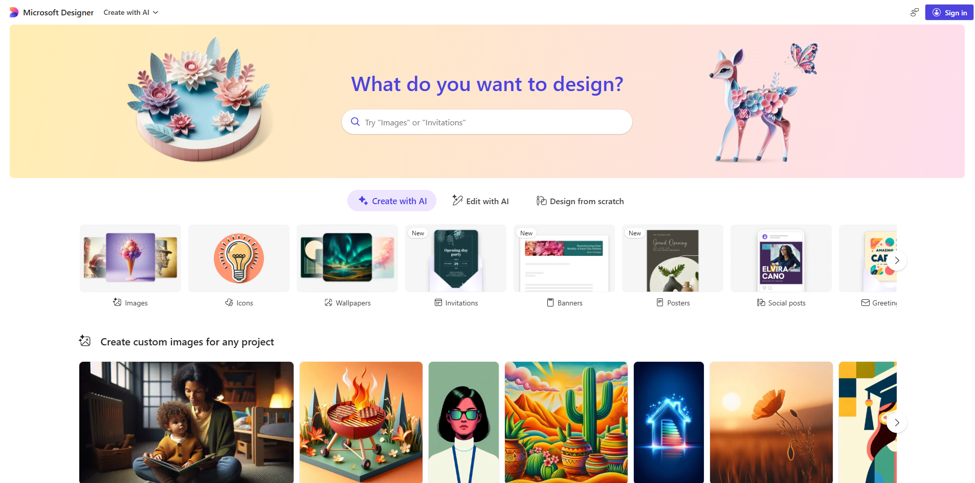
Microsoft Designer is one of the most accessible AI image generation tools in this list, if you want zero hassle. It runs on DALL-E 3 tech, and all you need is a Microsoft account to get started. No downloads, no setup, and no credit card required—just log in and go.
- Free tier: Approximately 15 fast generations per day, with unlimited slower generations after that.
- Best for: General-purpose AI image generation, quick social media images, and anyone just starting out with AI art.
- Limitations: Less granular control compared to dedicated AI image tools; resolution is capped at 1024×1024.
Honestly, what makes Microsoft Designer stand out for beginners is how little friction there is. There is no model selection, no complicated menus, no professional skills required—just write what you want to create, and in a few seconds, your images are ready. For beginners or anyone who just needs something now, this is easily one of the best free choices in 2026.
Ideogram
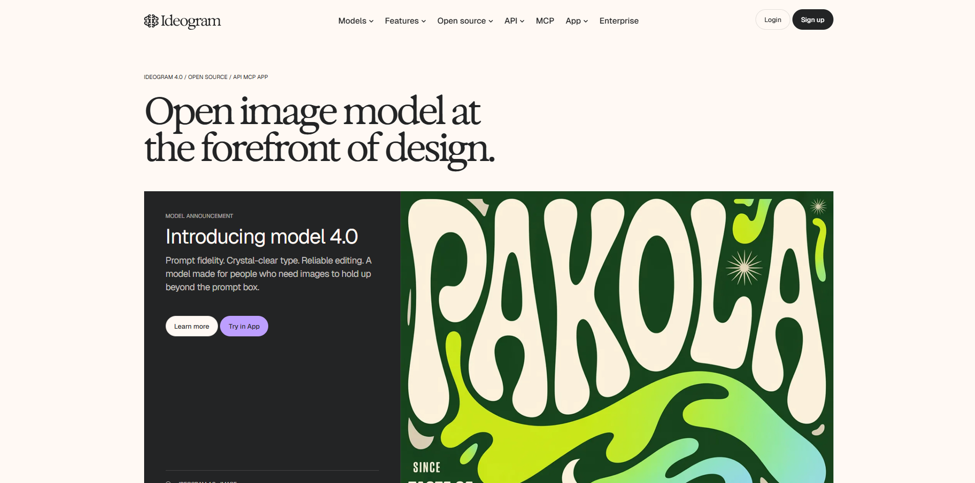
Ideogram has positioned itself as a go to tool for text-to-image generation.Whether you’re making posters, lables, product mockups, or any image needing actual readable text, it is the most precise, reliable free option in 2026. Most AI image generation tools often struggle to render clean, legible text within images — Ideogram shines here better than any competitor at this price point.
- Free tier: Enable you submit about 10 prompts daily and generate up to 40 images total.
- Best for: Images or mockups that need clear and accurate text.
- Limitations: Daily cap; and you’ll need to pay ($8/month) to unlock some advanced tools.
Playground AI
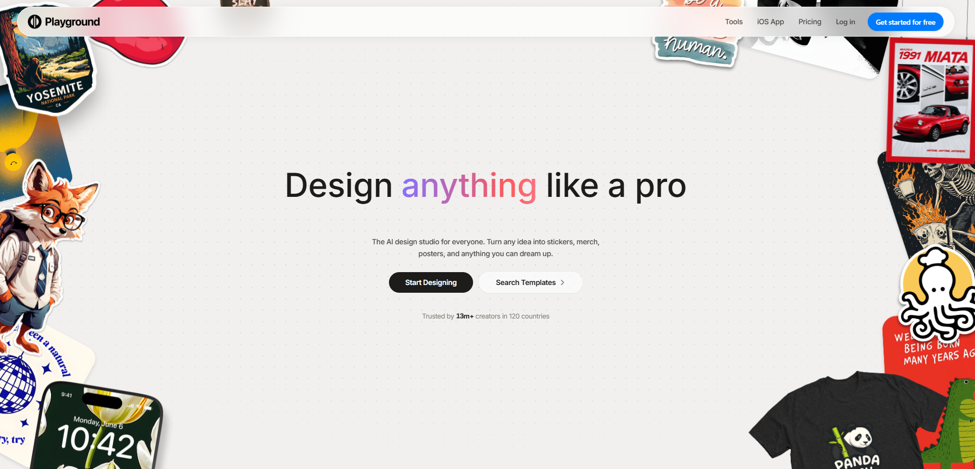
Playground AI provides among the most comprehensive free plan of any platform in this category. You can generate up to 500
images a day on the free plan. That’s perfect for mood boards, quick concept exploration, or bulk image production, offering a creative workspace that’s tough for competitors to match at this price point.
- Free tier: Up to 500 images per day.
- Best for: High-output projects, brainstorming, and iterative design work.
- Limitations: The best models and higher-resolution images require paid plans (starting at $15/month).
Leonardo AI
Leonardo AI is a powerful and versatile image generator, and it delivers with style. You get specialized fine-tuned models across different visual styles, including photorealism, anime, concept art, and game asset design. It also includes handy tools like canvas editor and image-to-image generation, adding utility that goes beyond simple prompt-to-image generation. It’s robust enough to grow with you as you learn.
- Free tier: Around 150 tokens each day, which means 10 to 30 images, depending on what settings you select.
- Best for: Specific art styles, game design, and custom concept art.
- Limitations: The token system limits how much you can make for free. For higher resolution or extra images, paid plans start at $12 a month and up.
Adobe Firefly
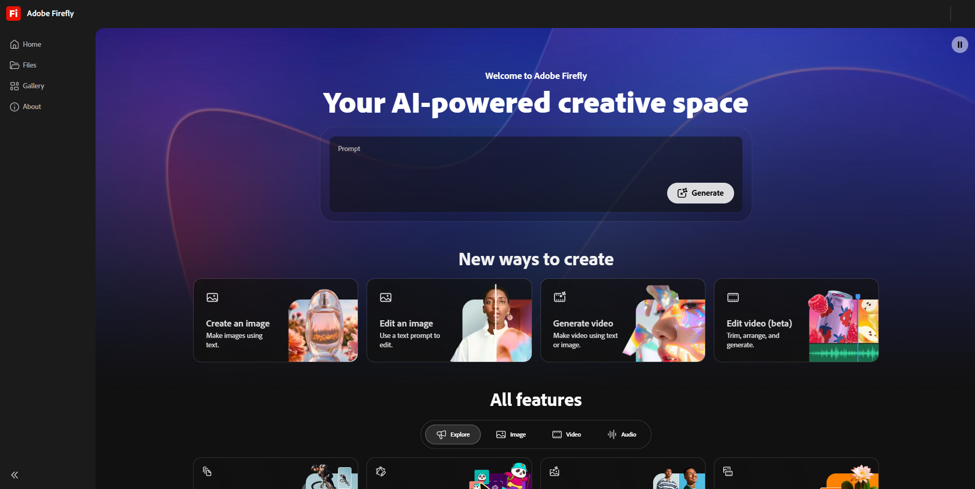
Adobe Firefly is the safest choice for commercial use. It is trained exclusively on licensed and Adobe Stock content, which means outputs are cleared for commercial application without copyright concerns — a genuinely important distinction for businesses and professional designers. Its deep integration with Photoshop, Illustrator, and Adobe Creative Cloud makes it a natural fit for existing Adobe users.
- Free tier: Approximately 25 generative credits per month.
- Best for: Commercially safe outputs, professional design workflows, Adobe ecosystem users.
- Limitations: The free credit amount is pretty limited, especially if you need a large volume of images. Paid plans start at $5 a month as a single product.
Canva Magic Media
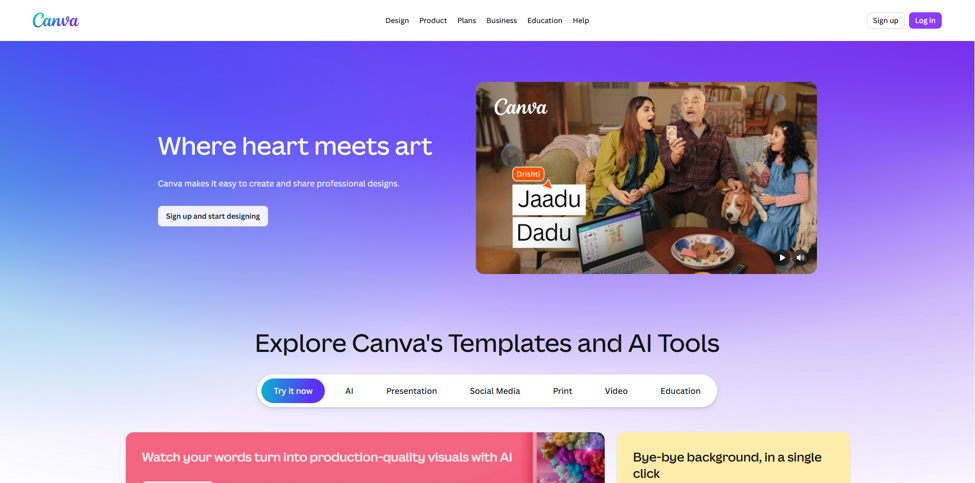
Canva Magic Media brings AI image generation directly into the Canva design environment. While the output quality does not match dedicated AI image platforms, the workflow convenience is unmatched for users who already create content in Canva. You can generate an image and place it directly into a presentation, social post, or marketing template — no exporting, no switching tools.
- Free tier: Limited free generations included with the standard free Canva account.
- Best for: Simple graphics, social media posts, presentations, or fast content creation that fits right into your design workflow.
- Limitations: Not suited for high-quality or ultra-detailed images here—it’s more about speed and ease.
AISuites Image Generator
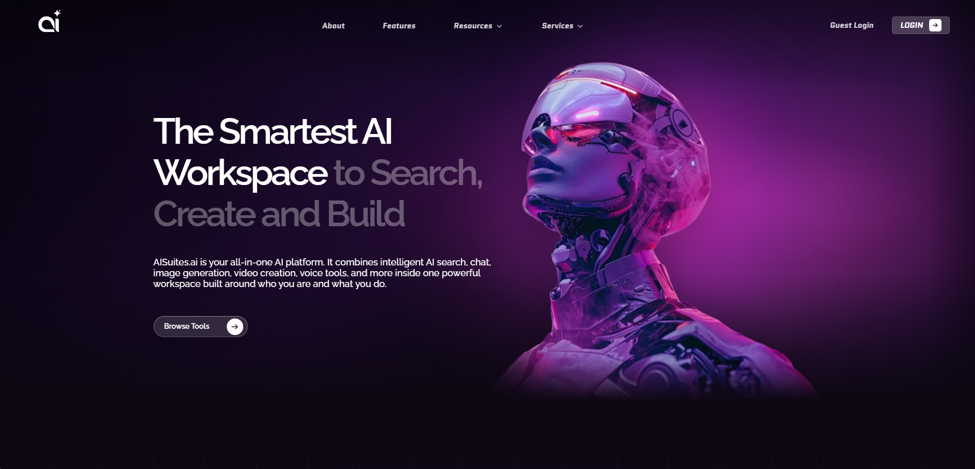
If you want a smoother, all-in-one experience, the AISuites Image Generator is the safest option. It’s not just an AI art tool—it’s part of a broader suite of tools made for content creators and businesses. Think of it like other platforms built around AI Tools, designed to make it accessible and easy to use. You don’t need to hustle around with complicated settings, yet you still get consistent and high-quality images in whatever style or format you want.
What About Uncensored AI Image Generators?
Lately, more people are searching for the best uncensored AI image generators for 2026. It shows the growing interest in AI tools with fewer restrictions—like mature art, creative writing, or stylized visual storytelling.
However, it’s crucial to understand the difference between tools that reduce content filters for reliable creative reasons, and the ones that just throw out all the rules. The reputable platforms still have basic content policies to prevent harmful or reckless outputs. If you find tools that have an extensive creative range, they’ll probably ask for account verification and run under their own specific usage policies.
If you need wider creative freedom than most platforms allow, read the terms of each platform carefully. Make sure whatever you create is legal and ethical within your region. Don’t skip that part just because you want more options.
How to Choose the Right Tool for Your Business
There’s no one-size-fits-all when it comes to the best free AI image generator. Here’s a quick cheat sheet to help you decide which one match your needs:
- Want text in your images? Ideogram is one of the most precise and trustworthy options available.
- Need high-volume free images? Playground AI hands out the biggest daily allowance for free.
- Worried about commercial use? Adobe Firefly keeps things simple and legally safe for business.
- Already a part of Adobe ecosystem? Firefly integrates right into your current tools.
- New to AI image generation tools? Microsoft Designer works in your browser and doesn’t need any tech expertise.
- Looking for a specific style? Leonardo AI lets you tweak models for more control over the final output.
- Need content for a small business? Tools recommended by AI Tools for Small Businesses usually mean easy exports, reasonable free tiers, and quick onboarding with no friction.
So what’s the best way to choose? Figure out your main goal first, then pick the tool designed for that purpose. Trying to use one tool for everything usually means you end up frustrated and with average results.
Conclusion
The best free AI image generators make high-quality visuals open to everyone, no matter your skill or your budget. Whether you need one quick graphic for Instagram, a full set of images for a campaign, or professional artwork with commercial clearance, the AI tools in this guide deliver real, usable capability as long as you stay within their free plan limits.
Microsoft Designer is perfect for beginners who need something easy. Ideogram shines at text to image generation tasks. Playground AI is great for producing high-volume visuals. Adobe Firefly is the perfect choice for professional, legal peace of mind. Leonardo AI rewards users willing to dig into its settings, and AISuites Image Generator is a solid all-in-one for businesses wanting everything in one place.
AI keeps evolving—faster speeds, smarter prompts, clearer images—so these tools are only going to improve. There’s no reason to wait. Jump in with the AI image tools now, especially if you’re into AI applications for small businesses. Image generation stands out as one of the fastest and most practical ways to boost your workflow.
Just select your tool, write a clear prompt, and let them do the heavy lifting.
Frequently Asked Questions for Free AI Image Generators
1. Are free AI image generators good enough for professional use?
In 2026, they’re more than good enough for most use cases. Platforms like Adobe Firefly, Ideogram, and Leonardo AI turn out visually polished, commercial-ready images. The real limits with free versions are daily generation limits and image resolution caps—not output quality itself.
2. What are the best free AI image generators for beginners in 2026?
Microsoft Designer is one of the easiest options for newcomers. You don’t need any tech skills; just log in with a Microsoft account, open it in your browser, and you can start creating without messing around with prompts or settings.
3. Can I use AI-generated images commercially?
It really depends on the platform. Adobe Firefly is actually trained only on licensed content, which means you’re good to go for commercial use. Other platforms have their own rules and it can get tricky, so always double-check the terms before you use images for business context.
4. What are the best AI image generation tools 2026 for social media content?
Canva Magic Media and Microsoft Designer are both great options for social media. Canva’s handy because it lets you drop images straight into templates, which makes image creation faster if you’re producing content regularly.
5. What is the difference between the best AI image generators and text-to-image tools?
The terms are largely interchangeable. Most top AI image generators offer text-to-image function—you write what you want, and the tool turns your prompt into a corresponding image.