Teaching a class with students who are on different learning levels is never easy. Some students require more assistance than others while some are willing to face new and complex subjects. Teachers and educators also spend too much of their time planning lessons, preparing tasks, grading assignments, and providing feedback.
Fortunately, Flint AI helps teachers cope with most of these issues. It gives teachers tools for creating AI-powered tasks and tailoring the learning process of their students. The platform offers students assistance based on their needs.
What Is Flint AI?
Flint is a platform created to aid educators in teaching their students and optimizing the learning process tailored to students’ needs. It is not just another AI chatbot; rather, it’s a product that has become popular in educational institutions and classrooms.
It allows teachers to create personalized AI tutors and tailor the teaching process according to their needs and goals, as well as the curriculum used.
This means teachers can:
- Create personalised AI tutors
- Build activities for different subjects
- Give students instant feedback
- Set rules for how the AI responds
- Track student progress
Flint works as a support tool for teachers instead of replacing them. Teachers decide what students learn and how AI supports them during the learning process.
Main Characteristics of Flint AI
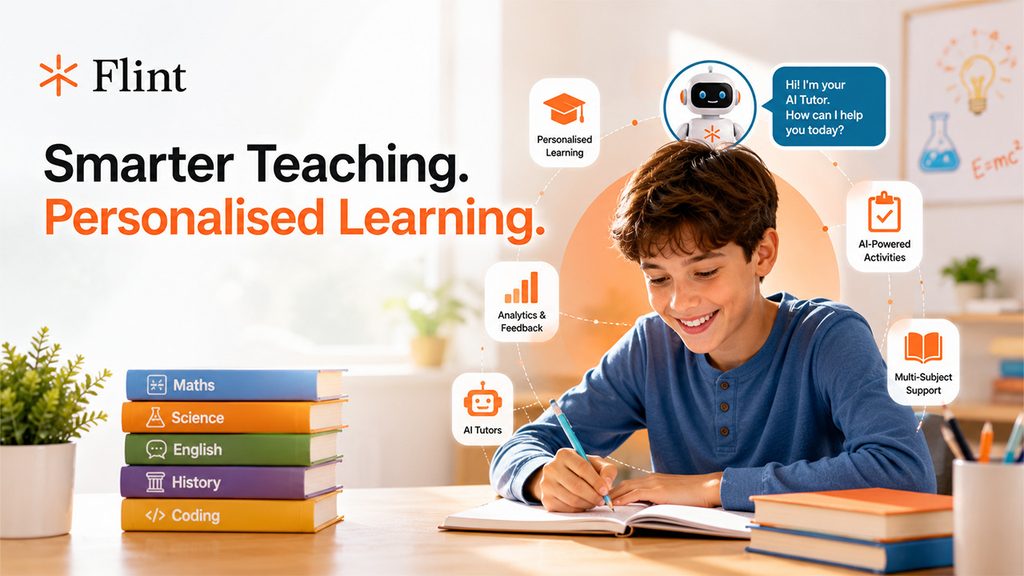
Flint aims at individualised learning rather than standard AI information.
The key features of Flint are:
1. Tutors powered by AI.
Flint allows educators to create personalised AI tutors tailored to their needs. They can input their own information, select the level, and define the way their AI tutor interacts with learners. Flint also provides AI tutors that allow students to learn subjects such as mathematics, physics, biology, English, and history.
2. Learning tailored to each student.
A different degree of support is required for each student. Flint allows teachers to design learning for their students. AI offers more assistance to learners whenever they experience difficulties with a topic.
3. AI-powered events.
Thanks to its capabilities, Flint can help teachers arrange activities, tests, assignments, and other learning materials. Further, they can restrict the time for using AI-powered events.
4. Student feedback and analytics
Flint provides information about student interactions and performance.
Teachers can use these insights to see:
- Where students struggle
- Which skills need more attention
- How students respond to activities
- Where additional learning support may help
Flint also provides class-wide summaries that highlight strengths and areas where students need improvement.
5. Support for different subjects
Flint isn’t limited to one subject. Teachers can create activities for areas such as science, maths, languages, history, computer science, and more. The platform also includes a built-in code editor that supports more than 50 programming languages.
Flint AI Pros and Cons
Every education tool has its advantages and limitations. Flint offers a wide range of classroom features, but that doesn’t mean every teacher or school needs all of them.
| Pros | Cons |
| Creates personalised learning experiences | New users may need time to learn the platform |
| Lets teachers create custom AI tutors | The quality of results depends on teacher instructions |
| Provides student feedback and analytics | It requires a reliable internet connection |
| Supports many subjects and learning levels | Some advanced features may be more useful for schools than individual users |
| Includes teacher productivity tools | Teachers still need to review AI-generated content |
| Gives students guided AI support | It shouldn’t replace direct teacher support |
One of Flint’s main strengths is the level of control it gives teachers. They can set AI guardrails, upload their own materials, create custom rubrics, and decide how the AI should support students. \
Who Is Flint AI Suitable For?
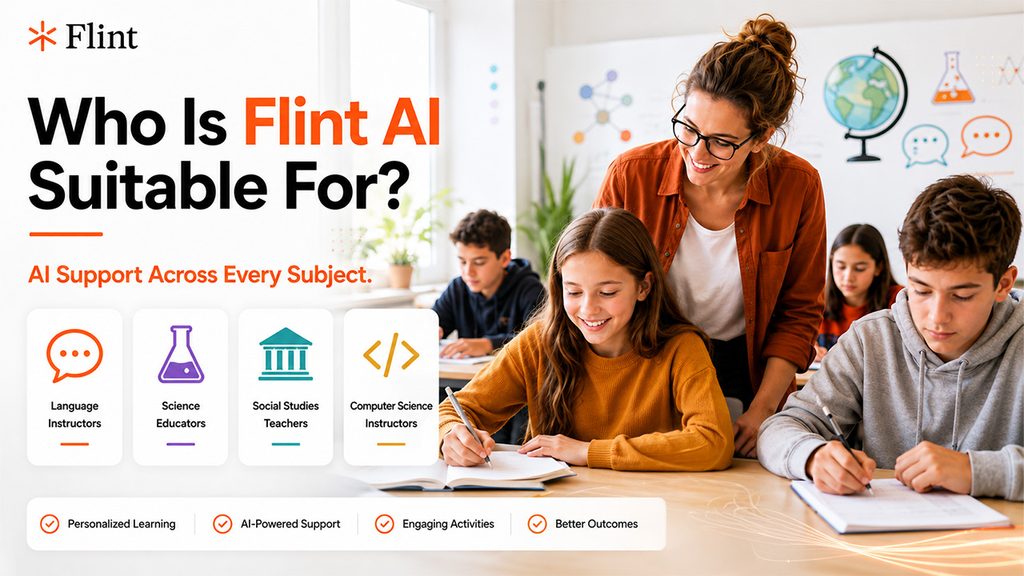
It is perfect for educators and educational institutions that wish to integrate artificial intelligence into their educational systems. This is because the program can cater to different subjects and types of learners across various environments.
- Language instructors
Language instructors can use Flint for a variety of activities such as reading exercises, vocabulary practice, and conversation practice, among others. Flint has more than 50 languages that it can support, including speech-to-text and text-to-speech capabilities.
- Science educators
For science educators, Flint can help in creating experiments and activities related to biological, chemical, and physical sciences. Students will also get help from AI tutors.
- Social Studies teachers
Teachers can create interactive activities around historical events, discussions, research tasks, and other topics.
- Computer science instructors
Computer science teachers can use Flint to create coding activities and provide students with AI support while they work through programming problems.
If you’re also looking for AI tools that provide direct learning support to students, you can read our guide to Flexi AI, a free AI tutor for subjects such as maths, science, biology, and chemistry.
How to Use Flint AI Effortlessly
It allows teachers to create personalised AI tutors without setting up everything from scratch. You can choose an existing teaching tool or create one based on your students’ needs.
Step 1: Open a Flint Account
Go to the Flint homepage and click “Get Started.” Sign up for an account and explore the teaching tools available on the platform.
Step 2: Pick an AI Tool and Set a Learning Goal
After logging in, you can choose an existing teaching tool or create a custom AI tutor. Add details such as the subject, grade level, learning goal, and teaching materials you want to use.
Step 3: Set the AI Rules
Set rules that control how the AI tutor interacts with students. For example, you can stop it from simply giving answers and make it guide students towards the right answer instead. Once the tool is ready, share it with your students.
Step 4: Monitor Student Progress
After students use the teaching tool, review their activities and progress. This helps you see where students need more support and adjust their learning experience.
Conclusion
Educators can take advantage of Flint to integrate AI in their classes without having to use a chatbot all the time. The service allows teachers to create an AI tutor, projects, and assist students with ease.
It is extremely versatile across subjects: languages, science, history, and computer science. There are plenty of options for teachers to use the service in a productive manner. So, if you’re looking for an AI-based education platform, Flint AI is worth exploring.
Frequently Asked Questions
Is Flint AI free to use?
Flint provides free options for educators and also offers solutions for schools. The features and access available to you can depend on the type of account you use.
Is Flint AI suitable for schools?
Yes. Flint is specifically designed for K-12 education and provides tools for teachers, students, personalised learning, AI activities, and student analytics.
For what purposes Flint AI utilized?
Flint AI is utilized to design custom learning experiences, AI tutors, classroom sessions, tests, and teaching materials for the learners as well as their support. Educators can also utilize it to assess students’ performance and identify their weaknesses.
What features does Flint AI have?
Flint’s features include custom AI tutors, personalized sessions, analytics on students, feedback based on AI, rubrics, converting text to speech, speech to text, generating images, and an editor for coding.