Until now, producing a good image involved opening a design program, locating the appropriate assets, adjusting the layout, and then spending hours getting all the elements to look correct. The process has been altered by AI image generators. One platform that is attracting interest from both creators and marketers is Raphael AI.
The platform merges together the different AI image models into one single service. Thanks to it, people can generate images from words, use their reference images, edit existing images, and create high-quality images at the same time. In this article, we will take a look at what the platform is and how it works.
What Is Raphael AI?
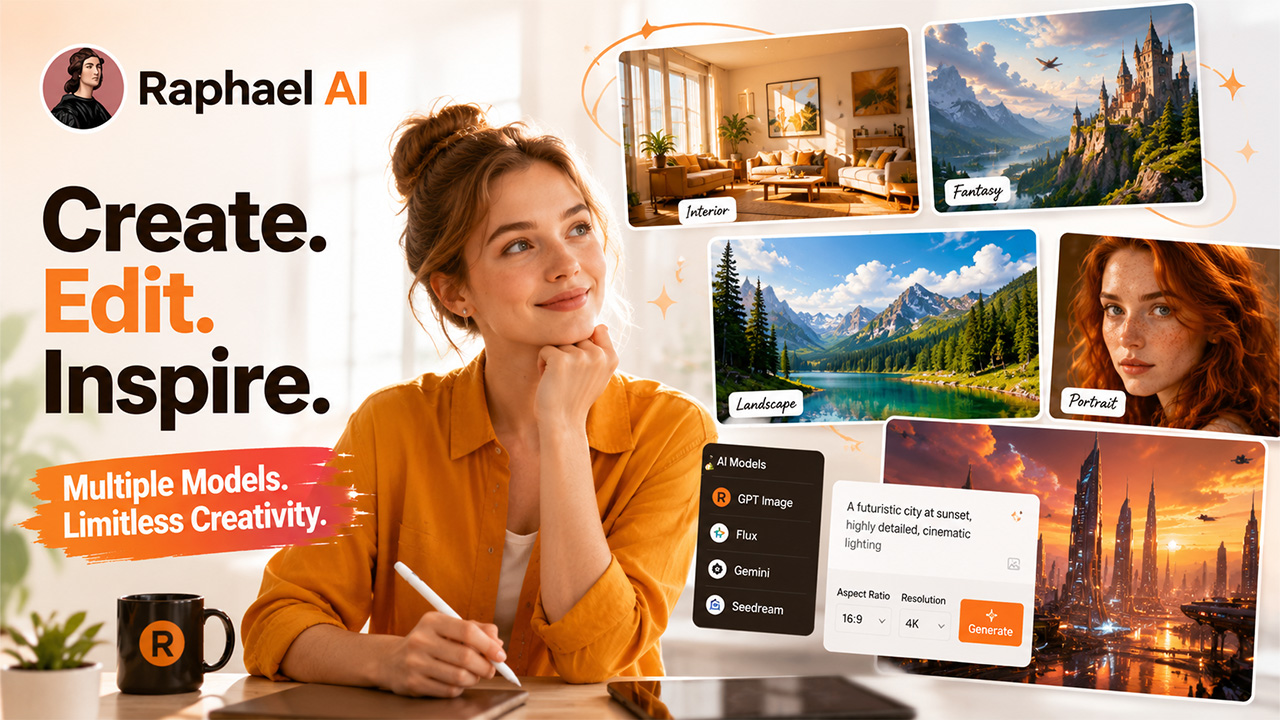
Raphael AI refers to the AI model that uses multiple models for creating AI-generated images. Instead of only using one model for generating images, it enables users to use multiple models at once, such as OpenAI, Google, Black Forest Labs, and ByteDance. In simple words, it works in the same way as other AI tools for image generation like ChatGPT. You need to type in the description of the image you are looking for, choose the model, and configure the necessary parameters such as resolution or aspect ratio.
Primary Characteristics of Raphael AI
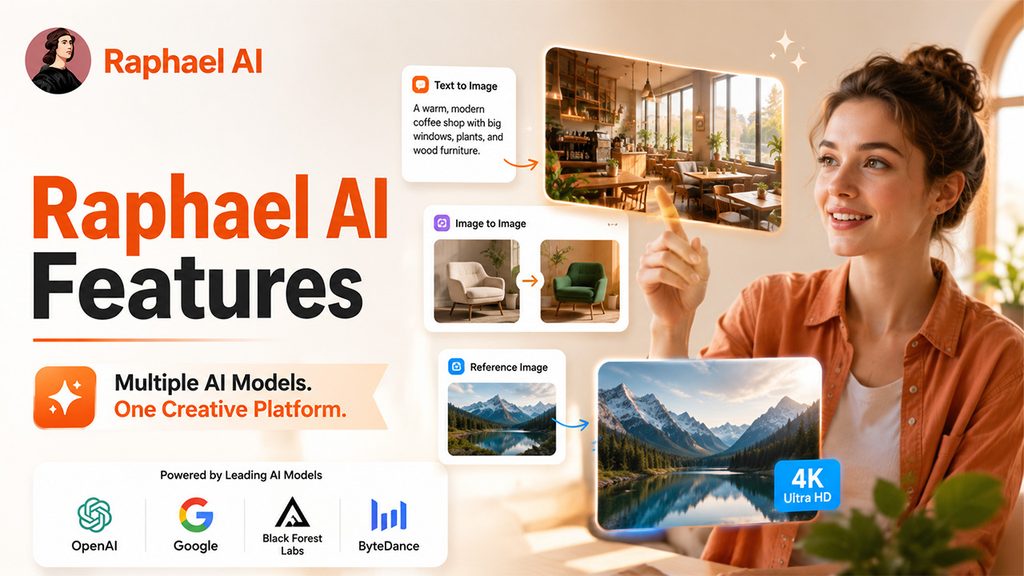
The most important feature of this platform is the numerous models and controller types that are accessible through one platform. This makes it easier for users to conduct experiments even if they are uncertain of the AI model that is the most appropriate for a specific type of picture.
Its features include:
1. Availability of Multiple AI Models
Raphael allows customers to use several AI image models as opposed to one system for generation. The system includes models from OpenAI, Google, Black Forest Labs, and ByteDance. There are also models such as GPT Image, Flux, Gemini, and Seedream. This means that users are able to experiment freely.
2. Generation of an Image from Text
A user has the capability of describing an image by means of a text prompt and getting the AI to generate the image. The prompt can be something like this:
A warm, well-lit, modern coffee shop with wood furniture, big windows, plants, and minimalistic Scandinavian design.
Moreover, the more complex the prompt is, the better the AI can understand the scene.
3. Image-to-Image Generation
You don’t always have to start with a text prompt.
You can upload a reference image and use supported models to create a new version based on that image.
This can be useful when you want to:
- Change the visual style.
- Modify the background
- Create different variations
- Explore new compositions
- Transform an existing image.
If you’re interested in exploring AI image generation and editing directly inside a design application, you can also read our guide on Krita AI Diffusion: Generate & Edit Images in Krita.
4. High-Resolution Pictures
The platform allows the creation of high-resolution photos utilizing appropriate models. Depending on the kind of model, one can render images with resolutions ranging between 1K and 4K, with certain models having a maximum output of 4096 x 4096 pixels. This feature may come in handy when the image is to be used outside of social networks.
5. Reference Images
Reference images may be used to provide additional visual details to the AI application. In case an existing image is available, it is possible to use this image for the generation process instead of using descriptive explanations.
How Does Raphael AI Work?
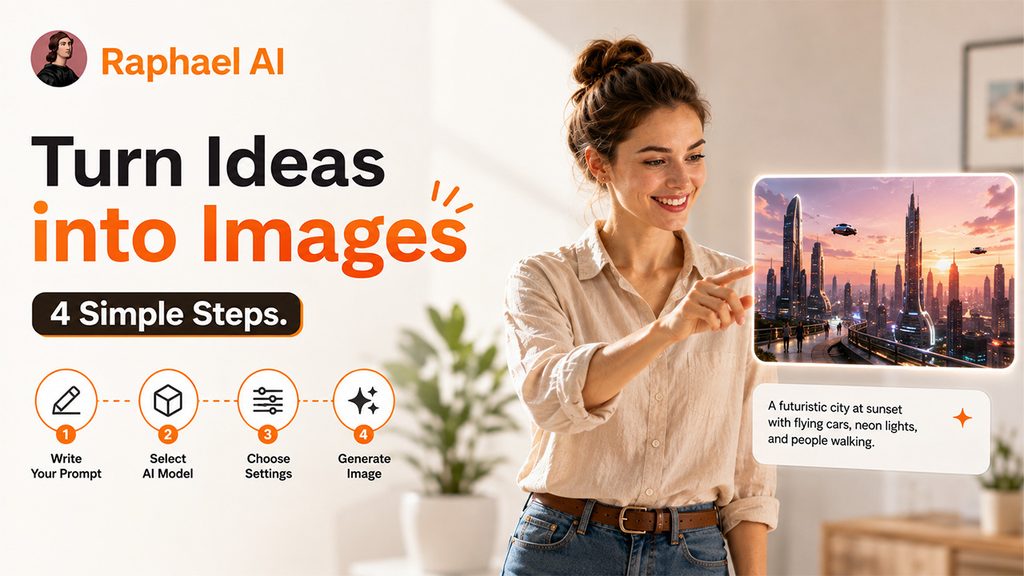
Using this doesn’t require advanced design or technical knowledge. The process is similar to most modern AI image generators, but the model selection gives you another level of control.
Here’s how the basic workflow works:
1. Write Your Prompt
Start by describing the image you want to create in the prompt box. Add relevant details about the subject, style, lighting, background, and overall look.
A clear and specific prompt helps the AI understand your requirements better. The more useful context you provide, the closer the generated image can be to your idea.
2. Select an AI Model
This is one of the most useful parts of the platform.
Different models can produce different results. One might work better for photorealistic images, while another could be better for editing or maintaining details from a reference image.
You can test different models and compare the results.
3. Choose Your Image Settings
Depending on the selected model, you may be able to adjust settings such as:
- Resolution
- Aspect ratio
- Number of Outputs
- Reference Images
- Other Generation Options
Choose the settings based on where you’re going to use the final image.
4. Generate the Image
Once your prompt and settings are ready, generate the image.
The AI processes the prompt and creates the visual based on the instructions you provided.
Why Is Raphael AI Useful for Creators and Businesses?
The platform can be useful whenever you need visual content without starting the entire design process from scratch.
For Bloggers and Marketers
Bloggers and marketers can use AI-based images in web content, campaigns, landing pages, and social networks. For example, a marketer working on productivity software can use AI to produce a tailor-made workspace image instead of simple stock photo images. This makes the material more personal.
For Businesses with Multiple Content Needs
Businesses often need different types of visuals for different channels.
A blog may need a landscape banner. Instagram may need a square image. A story may require a vertical design.
The ability to work with different aspect ratios and models can make this process more flexible. If you’re exploring more AI-powered creative tools for business content, check out our guide on Pippit AI: The All-in-One Creative Agent Redefining Content Creation.
Conclusion
Creating images using AI technology might be getting simpler, but utilizing multiple models makes it much more flexible. With Raphael AI, users have a combination of AI image models, features for creating images based on given cues, editing functionalities, and production of high-quality images. Based on this combination, it becomes a valuable tool for any kind of creators and companies that require visual materials regularly. It is worth noting that it is not just one model of AI. It is rather a platform that allows access to different models. Thus, varied results in terms of efficiency can be obtained.
Looking for more AI image-generation tools? You can also explore our guide on Piclumen AI: Features, Pricing, and How It Works to compare another AI-powered image creation platform.
Frequently Asked Questions
Q1. Is Raphael AI easy to use?
Yes. The platform follows a straightforward process where users can write a prompt, select an available model, choose image settings, generate an image, and refine the result.
Q2. Which AI models are available?
The platform currently lists models from OpenAI, Google, Black Forest Labs, and ByteDance, including GPT Image, Flux, Gemini, and Seedream models. Model availability can change over time.
Q3. Can I generate images from reference photos?
Yes. Supported models allow users to upload reference images and use them to guide image-to-image generation and editing.
Q4. Can I use generated images commercially?
RaphaelAI.art states that its paid credits include commercial usage rights. However, users should review the current terms and the requirements of the particular model before using an output commercially.
Q5. Who can use Raphael AI?
The platform can be useful for creators, marketers, ecommerce businesses, bloggers, designers, freelancers, and anyone who needs AI-generated visual content.